Assistant Directors plan in the real world, not just on a stripboard. This release adds real-world context to every breakdown — from weather forecasts and sunrise/sunset times to new ways to customize strips and banners with border colors.
🌤️ Weather & Maps
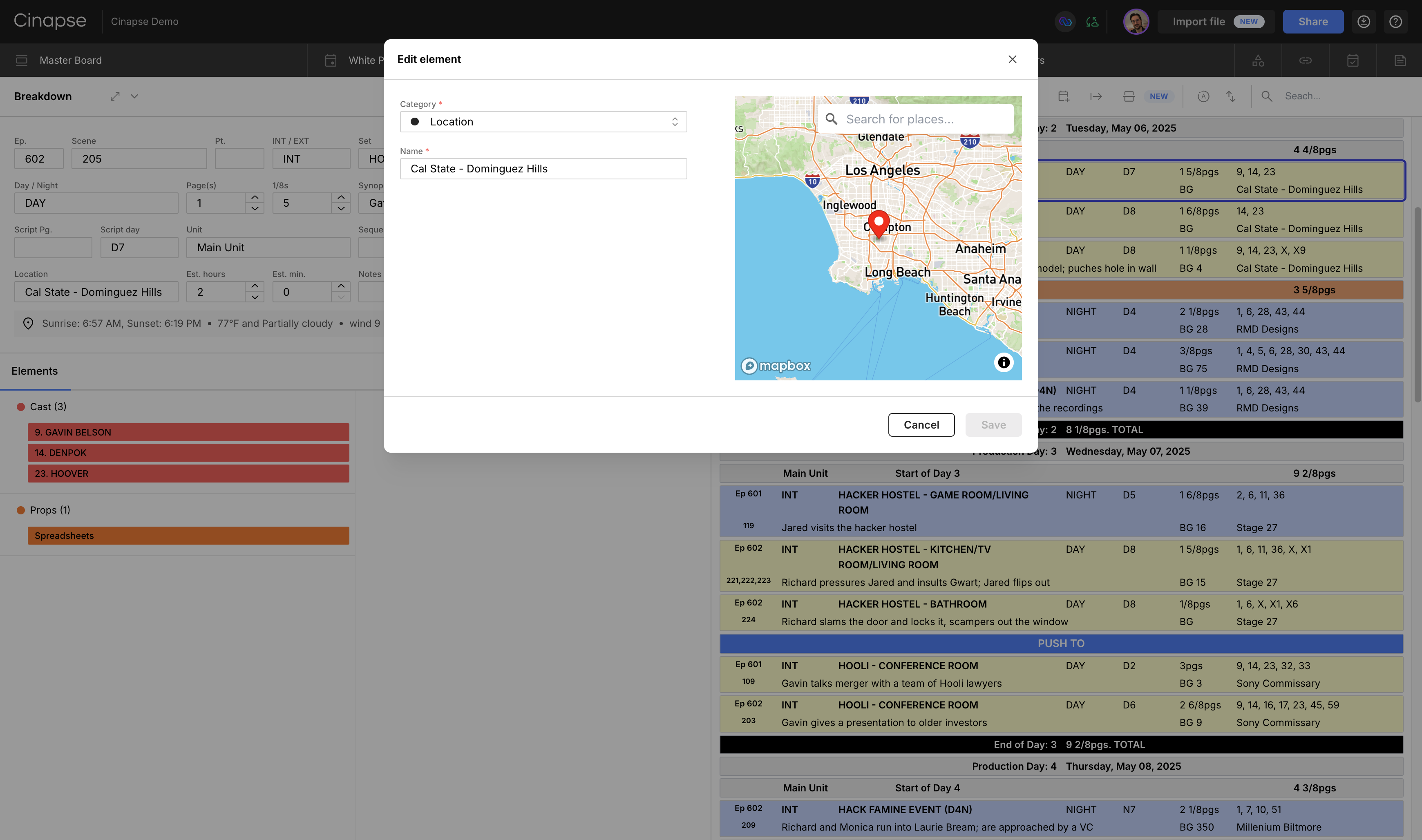
See weather details under the Location field on the breakdown sheet.
Change the coordinates for a location by clicking the edit (pencil) icon when hovering on a Location element name on the breakdown sheet.
Set a location per breakdown/strip
Sunrise time shown on the breakdown sheet
Sunset time shown on the breakdown sheet
Wind speed (only mph for now)
When you rearrange the strip order, the weather forecast and details will automatically refresh for any shoot days within the next 14 days. If a day is more than 14 days away, Cinapse will let you know that a forecast isn’t yet available.
Strip and Banner Border Colors
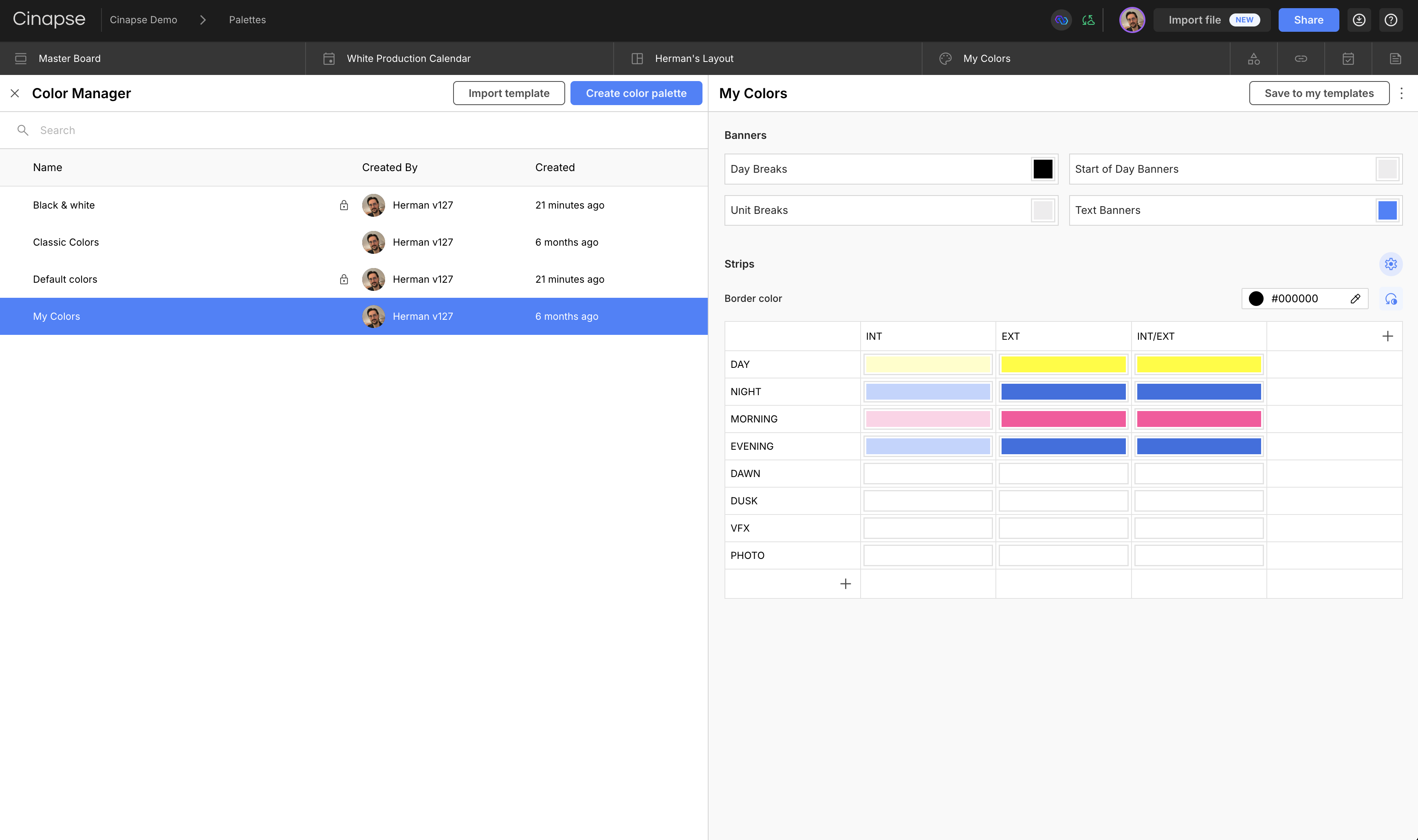
Select the settings wheel to adjust the global strip border color.
Set global strip borders under the settings wheel.
Customize specific strip types by defining unique border colors for any INT/EXT + time-of-day combination (e.g., INT + DAY, EXT + EVENING).
Set individual banner colors for Day Breaks, Unit Breaks, Start of Day banners, and Text banners.
Reset to default anytime to return to Cinapse’s classic gray borders.
Helpful when producers or UPMs prefer the traditional black-bordered look:
A classic B&W stripboard created in Cinapse.
Bug Fixes & Improvements
Improved error logging so the Cinapse team can easily identify errors and ship fixes even faster.
Rebalanced category order settings. Categories will now stay in the correct order when you update them. No more random rearranging. (We know… that one was an especially annoying UI bug.)
Email link reliability updates when inviting a user to a schedule via email.
We’ve also clarified last month’s importer upgrades: you can already upload and download .cinapse schedule files for backup, future reference, or studio archiving.
Day out of Days Polish
If Allow Hold is disabled, Drop/Pickup is automatically disabled and its value reset
Multiple work statuses now display compactly
Example: Work + Fitting → W(FT)
Coming Soon
User Preferences for Weather
Choose temperature in Celsius or Fahrenheit
Wind speed in mph or kph
Show/hide high and low temperatures
@sunriseand @sunset shortcuts in text banners
All About Units
The next releases focus on giving productions with multiple units more flexibility and control with:
Pre-Shoot Days. Track prep or pickup days separately from principal photography.
Custom End-of-Day Breaks. Add context like “End of Main Unit Day 10” or “End of 2nd Unit Day 2" without having to create additional banners.
View-Only Permission. Allow read-only access for other ADs, department heads, UPMs, and producers without giving edit rights.
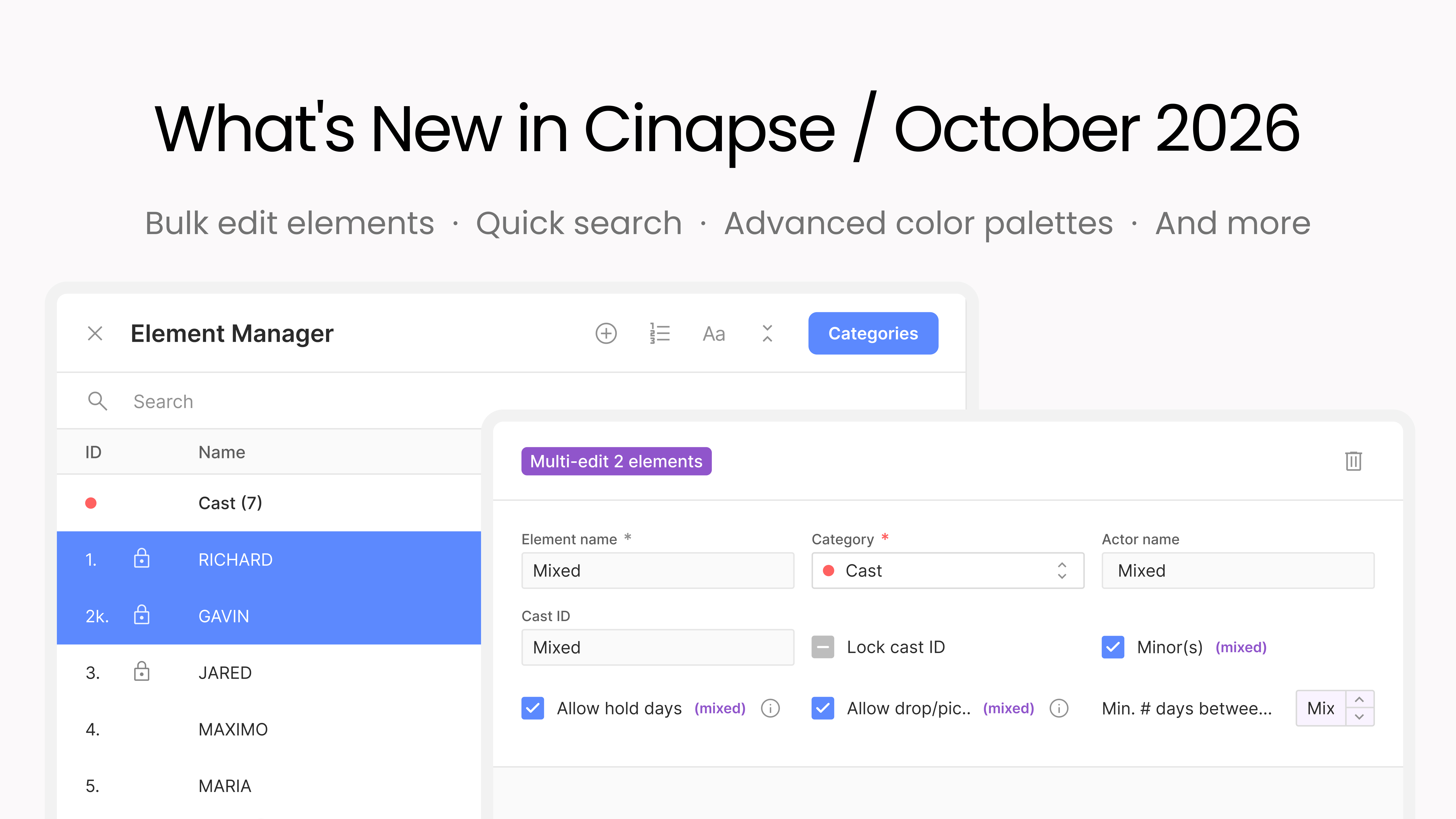
Bulk editing in the Element Manager, category-only edit access for your departments, quick search with arrow-key navigation, color palettes by unit and episode, banner colors by unit, a Find & Replace that renames elements, and archiving for wrapped productions.
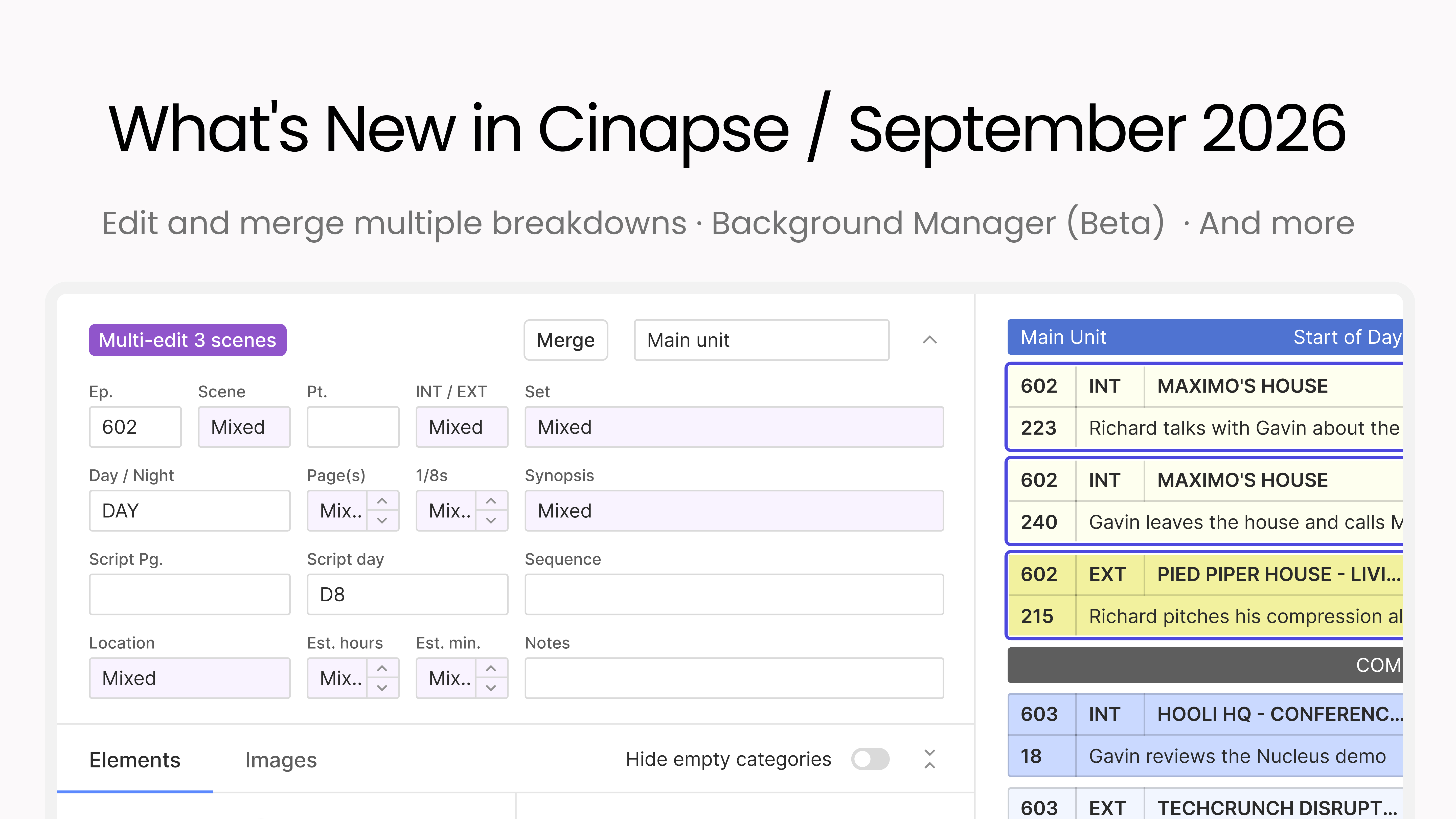
This month is all about moving faster through your breakdowns and boards, with more control over how your schedule reads. You can edit and merge multiple breakdowns at once, select every strip with a keystroke, color-code your Day Out of Days, and Background Manager enters beta.
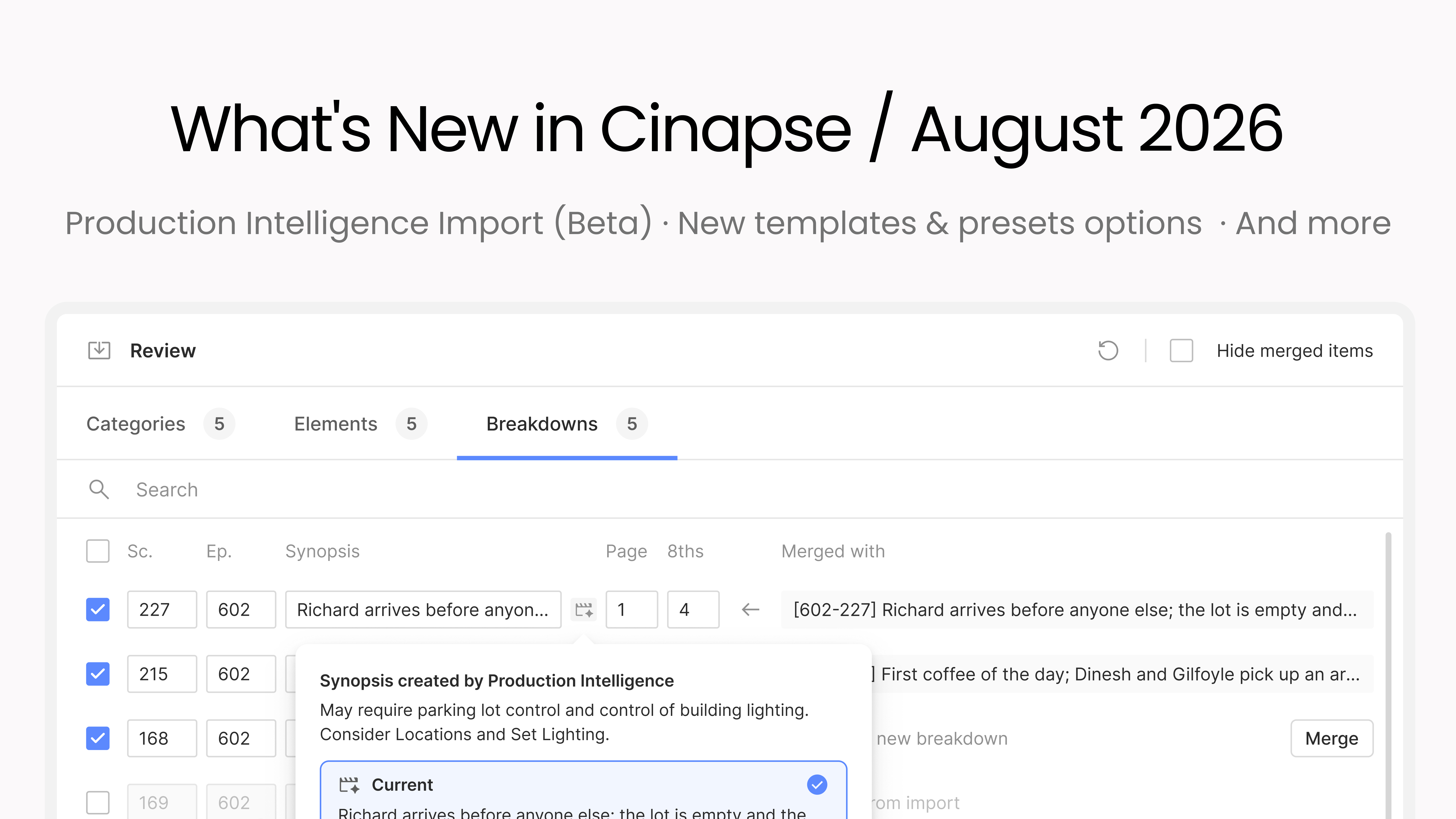
This month we’re introducing Cinapse Production Intelligence: import a script and get Draft 1 of your schedule done fast. It ships alongside a full templates and presets system you can organize into folders and pull into any new production, plus a stack of customer-requested improvements.