Based on user-feedback, we’ve reworked the user experience of saving reports to Cinapse to make it more intuitive and require fewer steps. In the previous version, users had to upload completed PDF files to Cinapse in order for them to be ‘Saved’ to our system. In Version 1.11, saving reports is simplified with a “SAVE REPORT” button in the upper-right corner of the report preview page. This will automatically save your report to Cinapse so you can refer back to it in the future more easily. You can also Export PDF and Export CSV from your saved report, at any time.
Minor bug fixes
Fixed a bug where Red Flags in the Events Manager appeared on the wrong date, if the user used “Start of Day” daybreaks, instead of the default “End of Day” daybreaks.
Fixed a bug where empty text-banners that users use as visual separators in their stripboards appeared as very thin banners. Empty text-banners now appear as normal height objects in the stripboard.
Fixed bug where CAST ID in the Edit Element modal showed up as required, when it isn’t.
Fixed a bug where Custom Categories were showing up repeatedly in Shooting Schedules.
Customer requested features
Re-designed the Element Manager toolbar to be more compact, for users who work on smaller screens.
Removed the “Are you sure you want to delete this?” warning message when deleting Text Banners and Daybreaks. This was annoying and slowed down users, so we’re getting rid of it.
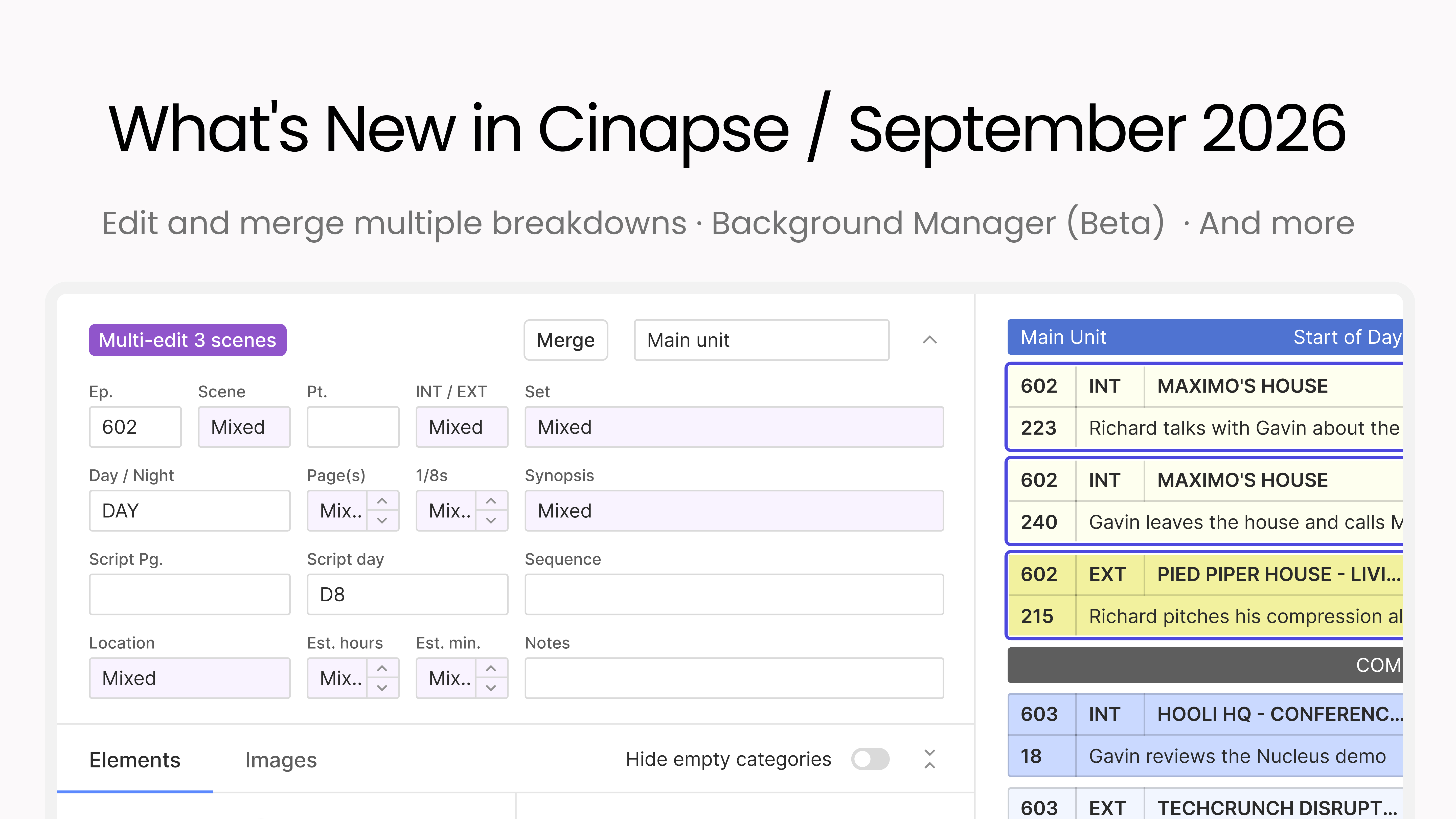
This month is all about moving faster through your breakdowns and boards, with more control over how your schedule reads. You can edit and merge multiple breakdowns at once, select every strip with a keystroke, color-code your Day Out of Days, and Background Manager enters beta.
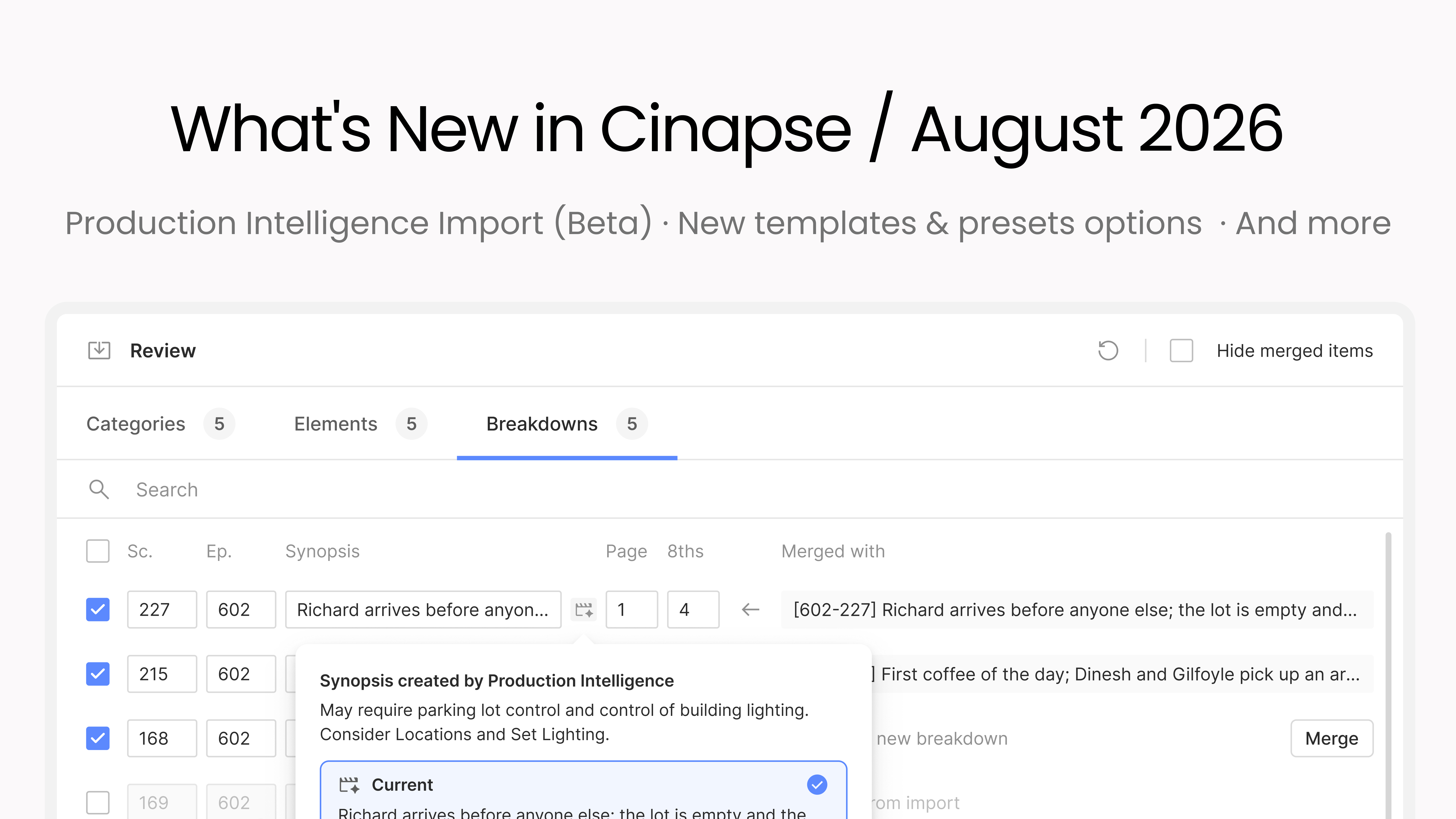
This month we’re introducing Cinapse Production Intelligence: import a script and get Draft 1 of your schedule done fast. It ships alongside a full templates and presets system you can organize into folders and pull into any new production, plus a stack of customer-requested improvements.