We are proud to announce offline mode is now available for all users. This means that you can load your file while online, lose wi-fi and internet connection, make changes and navigate to other pages while offline, and then have all your changes sync back to the server once you reconnect.
Here is a simple guide on how to use offline mode:
STEP 1. Open the home page at scheduling.cinapse.io
STEP 2. Double-click and open any files you want to be made available when offline.
STEP 3. Navigate back to the home page. You should see an icon next to the file-name that says “Available offline” when you hover on the icon.
STEP 4. Disconnect your WI-FI. Open up the file. Make changes to the file.
STEP 5. Go back online, and verify that all your changes saved.
New checkout experience
Based on customer feedback, we have updated the checkout experience to:
Extend all free-trials to 14 days in length
Clearer pricing between Monthly and Annual pricing more clear
Add promo code functionality to the checkout experience for students
Re-designed checkout page to display subtotals and more descriptive context before paying
User requested bug fixes
New color picker to make picking exact colors easier
List report formatting spacing, alignment, and “null” value bug has been fixed
Minutes 00 instead of 0 has been fixed thanks to Laura from Scriptation
FDX import page-count totals has been fixed thanks to Sergio
Minor displays “k” has been added
Custom categories in layouts has been added
Scheduling PRO features (still hidden to users, as it’s a work in progress)
Publish experience is now complete
ChangeLog experience is now in quality control testing
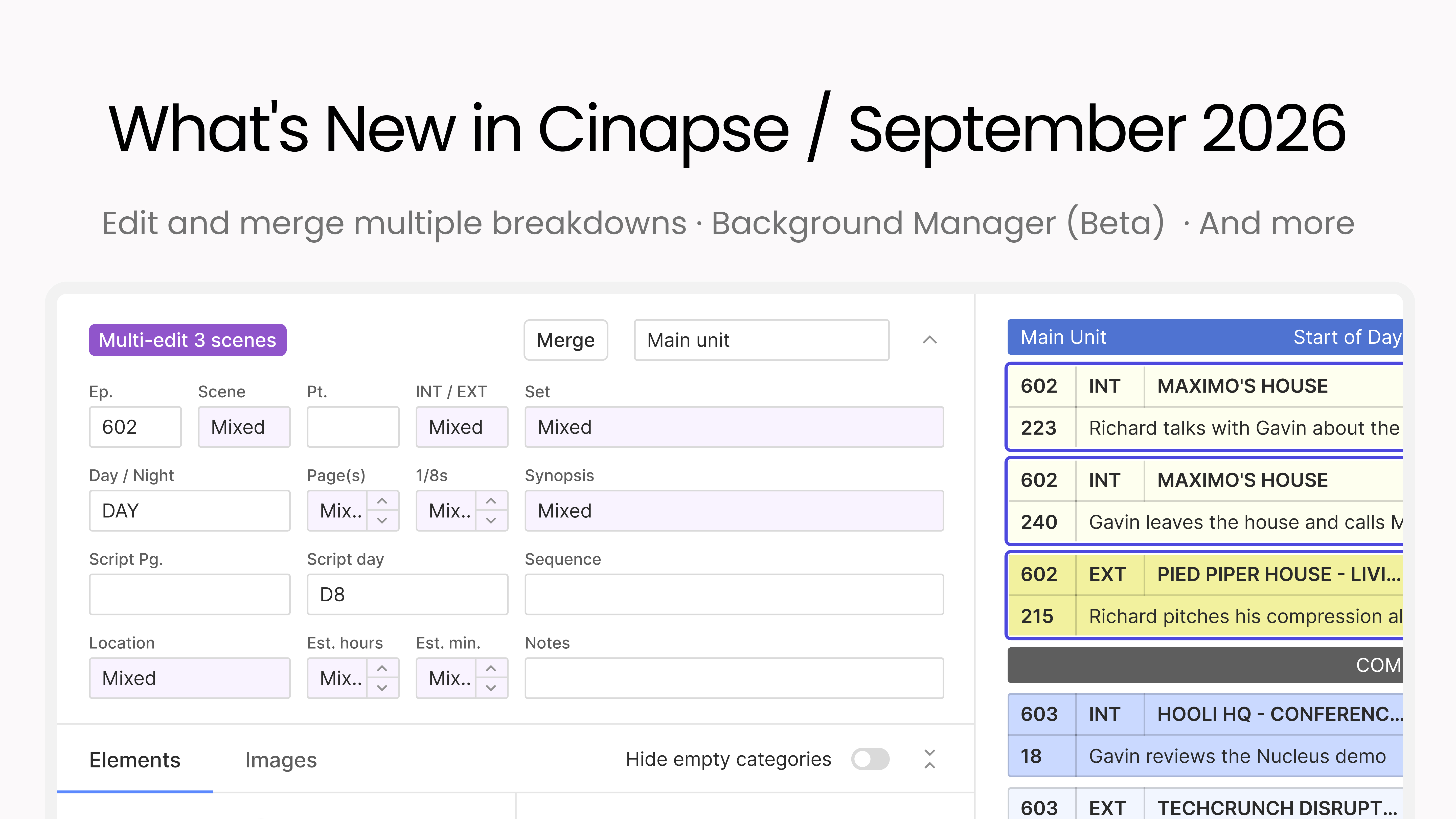
This month is all about moving faster through your breakdowns and boards, with more control over how your schedule reads. You can edit and merge multiple breakdowns at once, select every strip with a keystroke, color-code your Day Out of Days, and Background Manager enters beta.
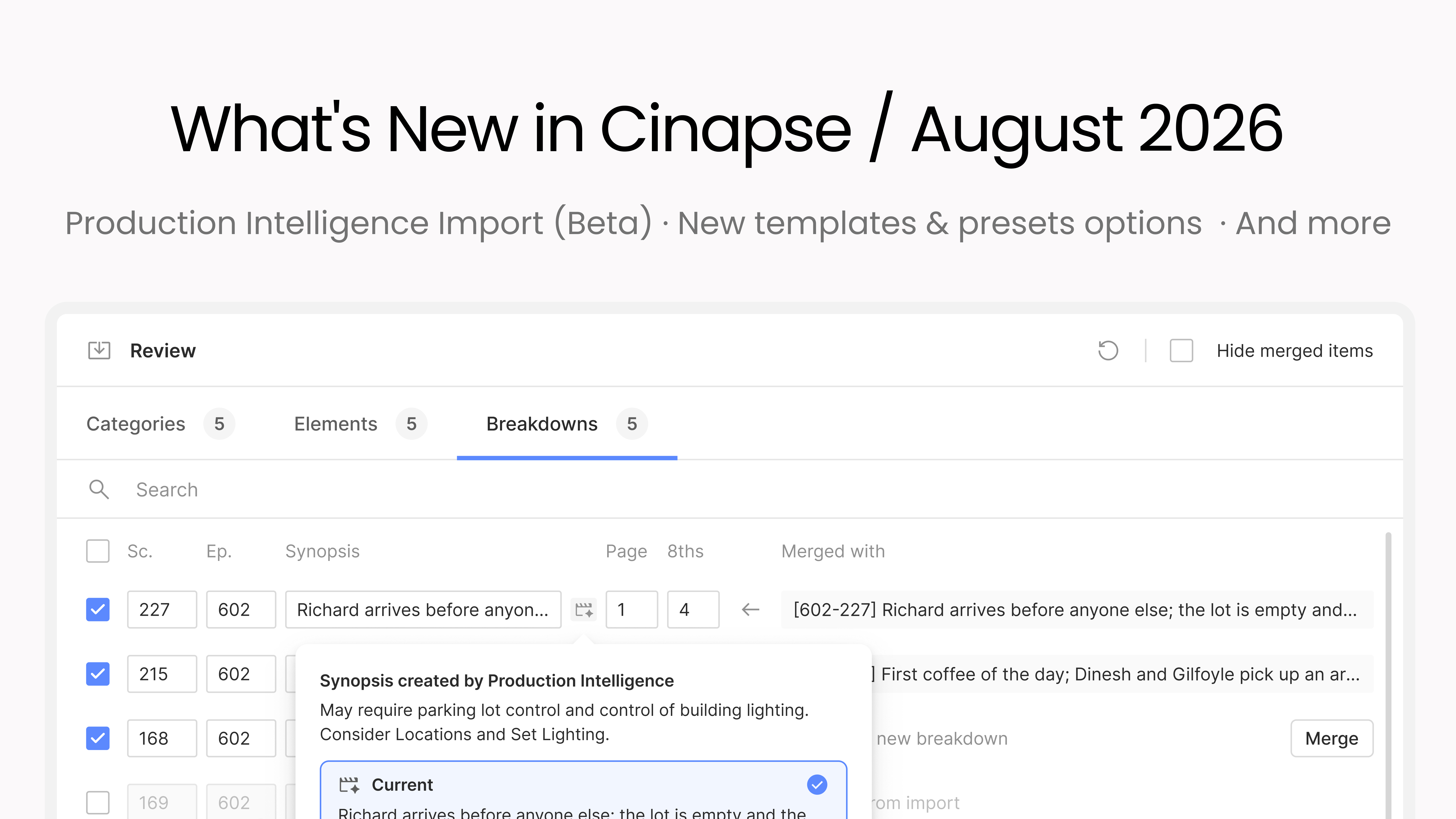
This month we’re introducing Cinapse Production Intelligence: import a script and get Draft 1 of your schedule done fast. It ships alongside a full templates and presets system you can organize into folders and pull into any new production, plus a stack of customer-requested improvements.