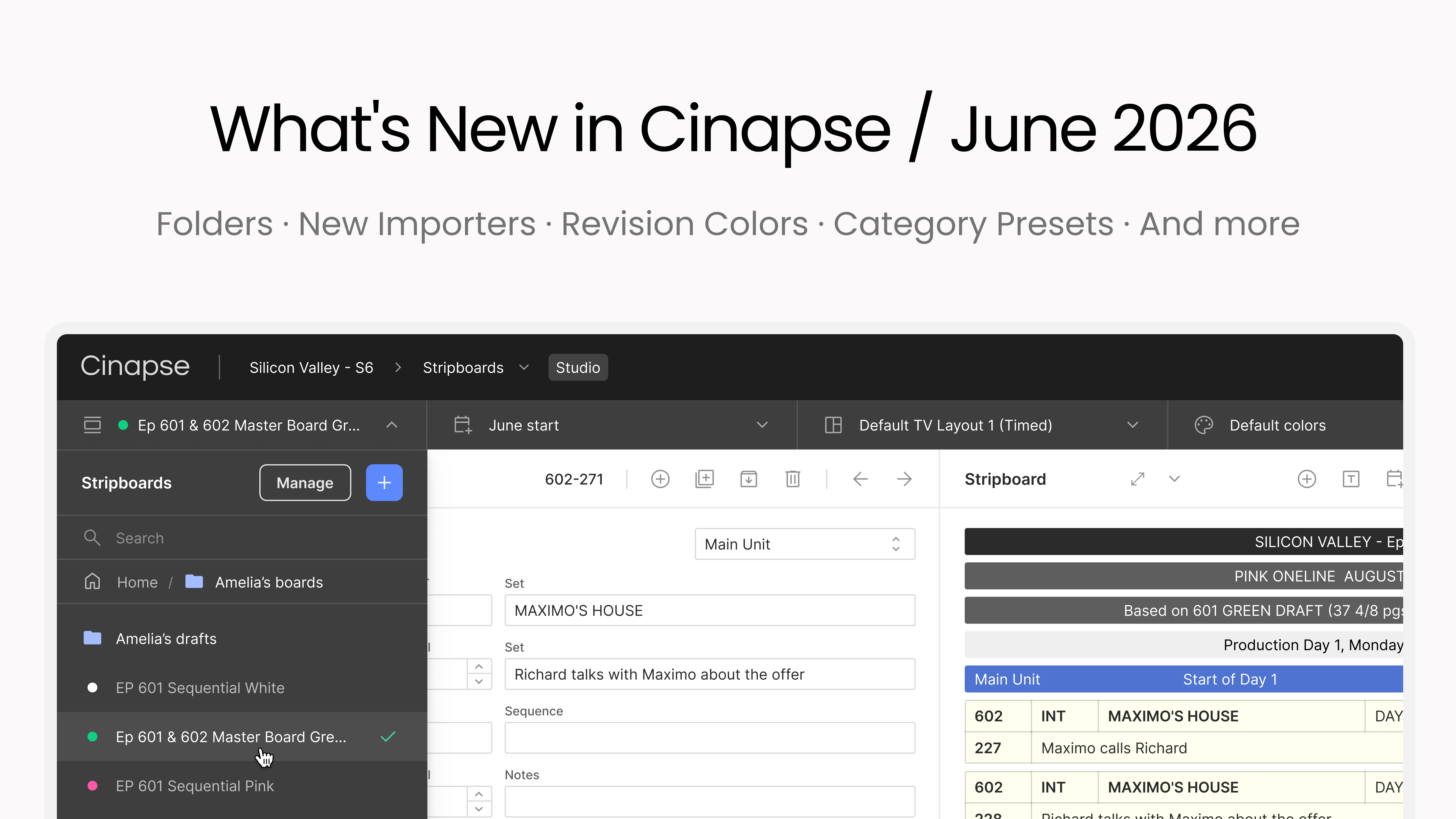
This has been a highly requested feature for organizing your various iterations of stripboards, episodes, blocks, or individual ADs' schedules. We're excited to give you all this new functionality.
All five managers now support folders: Stripboard, Calendar, Color, Layout, and Reports. Create nested folders, rename, delete, drag and drop. Organize by AD, episode, block, unit. A folder for each 1st's strips, each episode's layouts, each unit's palettes. Whatever makes sense for you and your production.
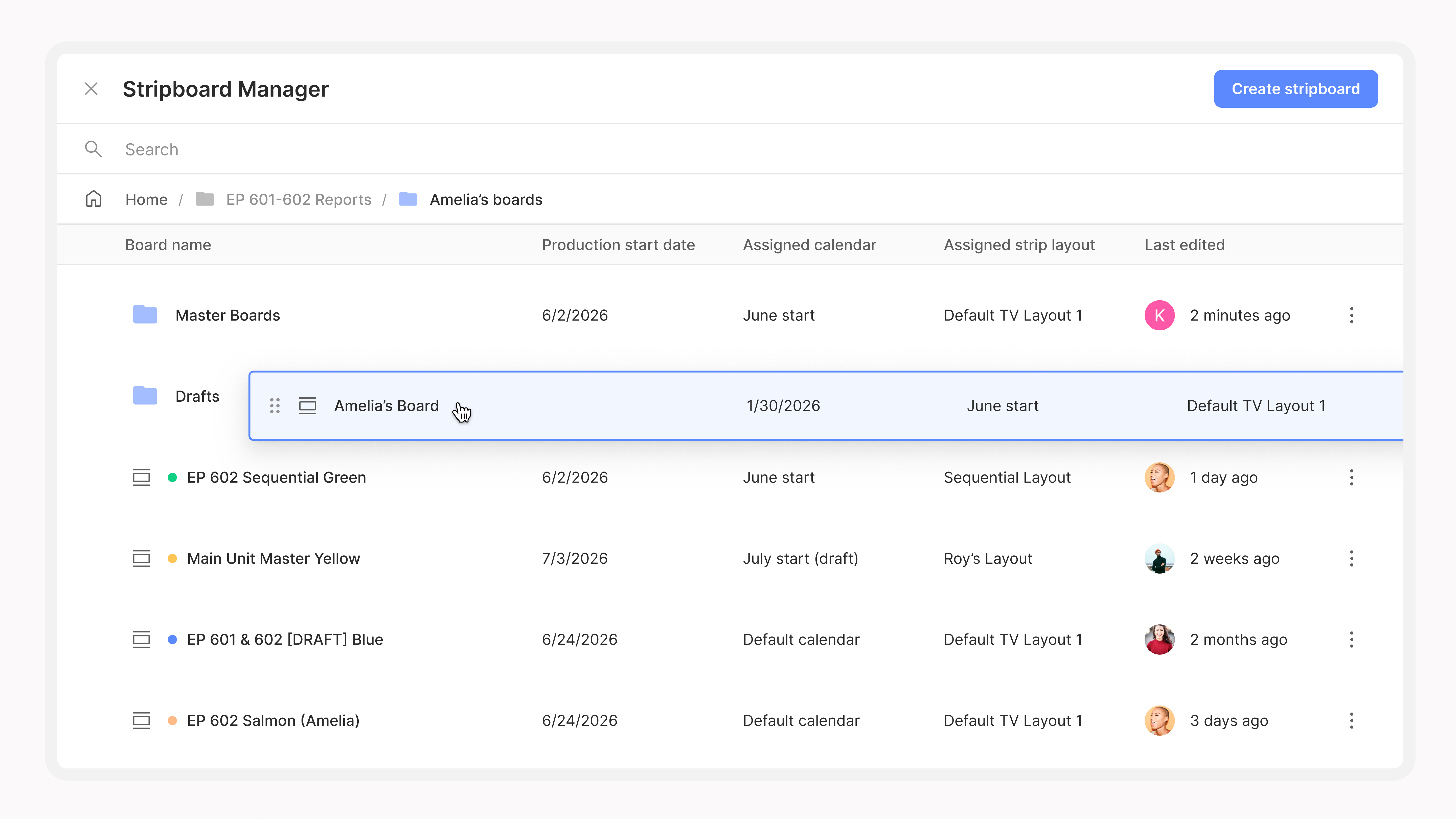
If you're running a multi-unit or episodic show with multiple AD teams, this changes how Cinapse scales with your production. Everyone can organize their own work, and nothing gets lost in a single flat list of stripboards.
Getting your script into Cinapse just got a lot easier. Four new importers are live, and two of them are ones we've been working on for a long time.
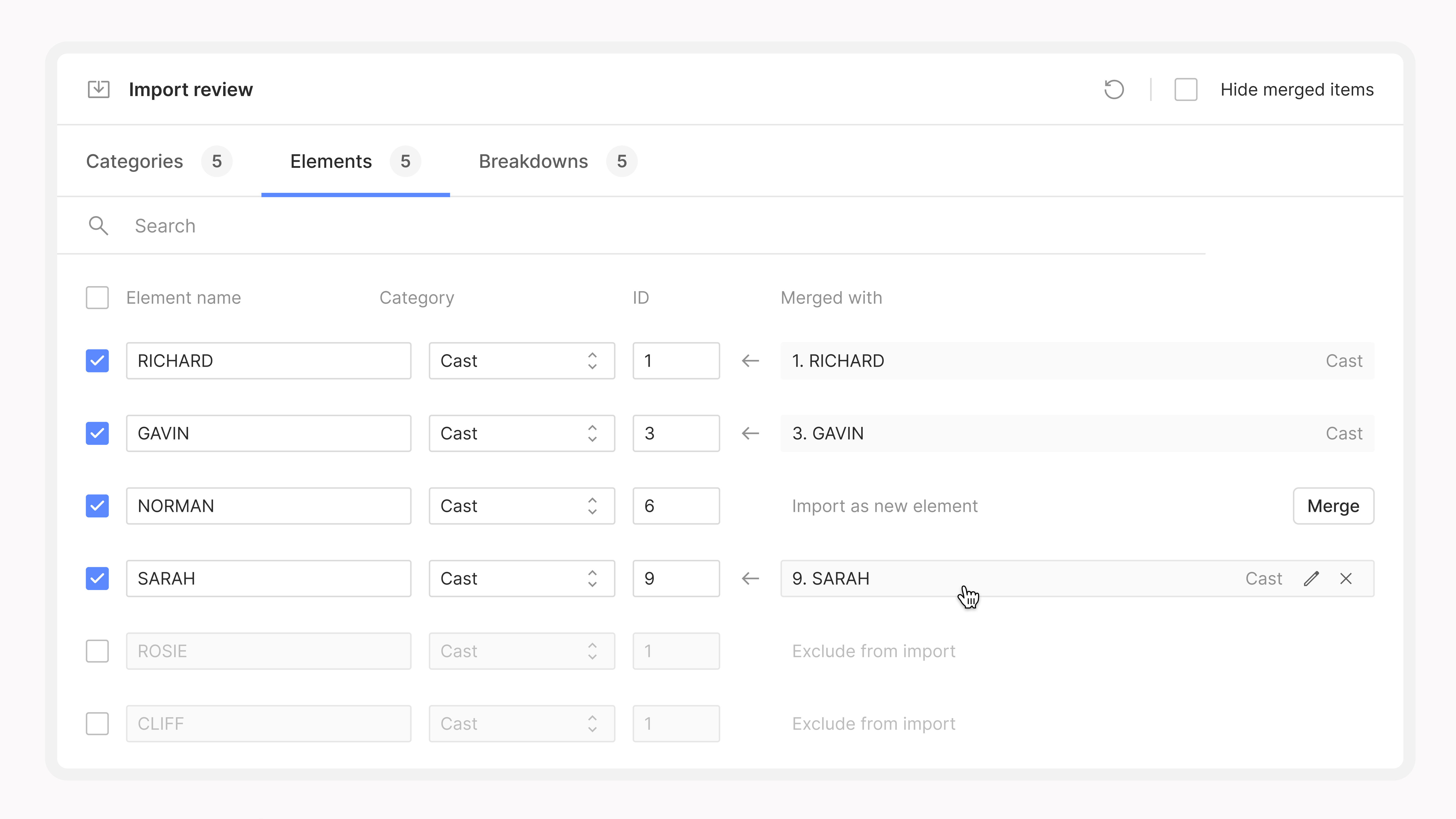
Scriptation JSON. Export from Scriptation directly to Cinapse. Your custom element colors and names come with it, so your category setup in Scriptation is preserved in your Cinapse breakdowns.
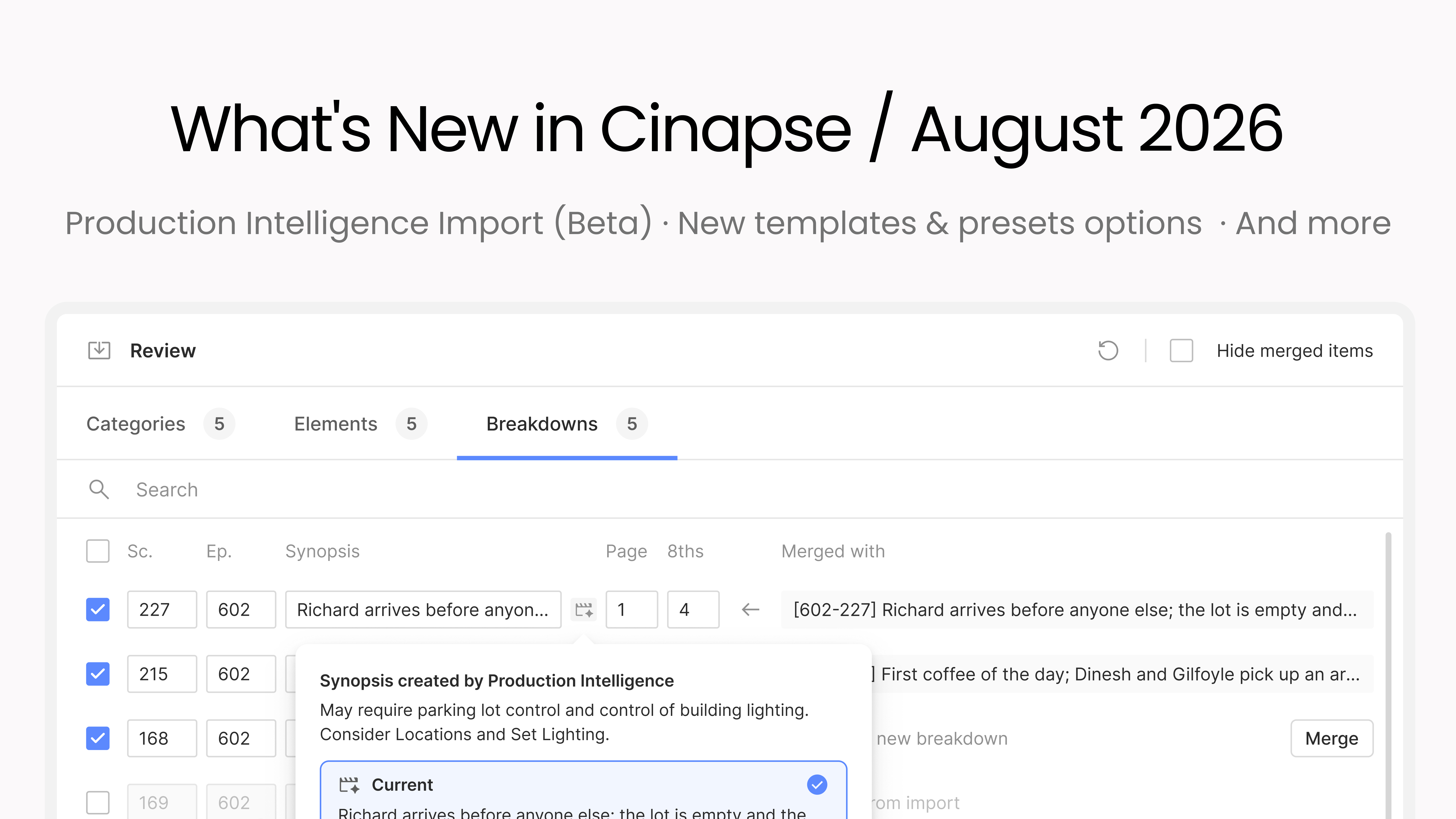
PDF Script Importer (v1). Upload any script PDF. Cast, props, costumes, stunts: extracted automatically. This is v1, and we're continuing to improve and build upon it.
Final Draft FDX. Tagged or not: Cinapse pulls all structured data into your breakdown sheets automatically. No reformatting, no copy-paste.
Movie Magic MSD. Drop in your MSD file and it converts automatically. Works with MMS 6. If you are on MMS 10, export to MMS 6 format first, then drop it into Cinapse.
Assign an official revision color to your stripboards: white, blue, pink, and beyond. Custom names and hues are fully configurable.
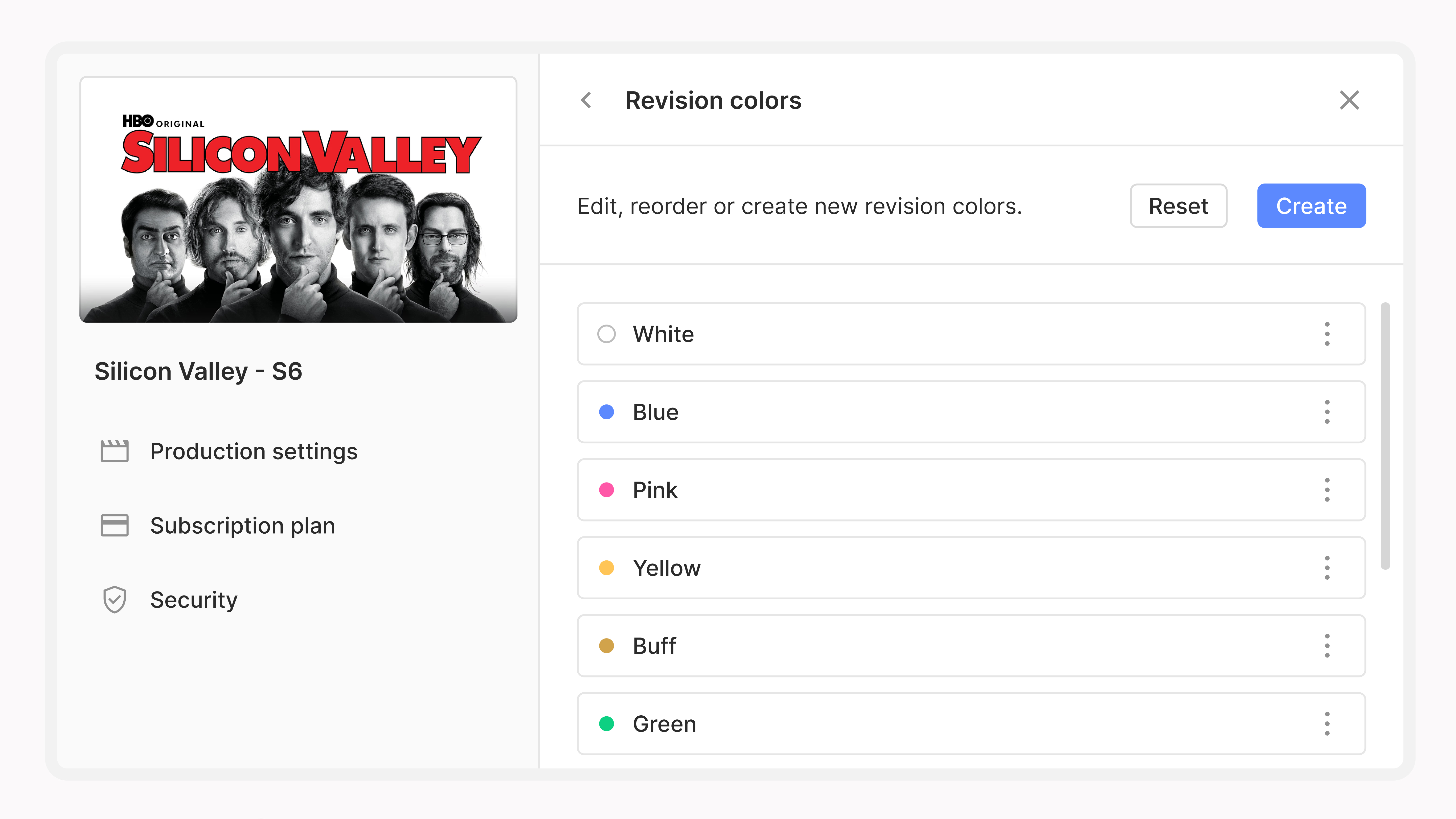
Find it in Production Settings > Revision Colors. You can now see your various official schedule versions directly from your Stripboard Manager dropdown. This makes it a lot cleaner to see at a glance where each board is and how many version's you've actually released.
Your layout and color templates are now consolidated in one place: My Templates & Presets in My Account. Access, organize, and apply them across productions without digging through individual projects.
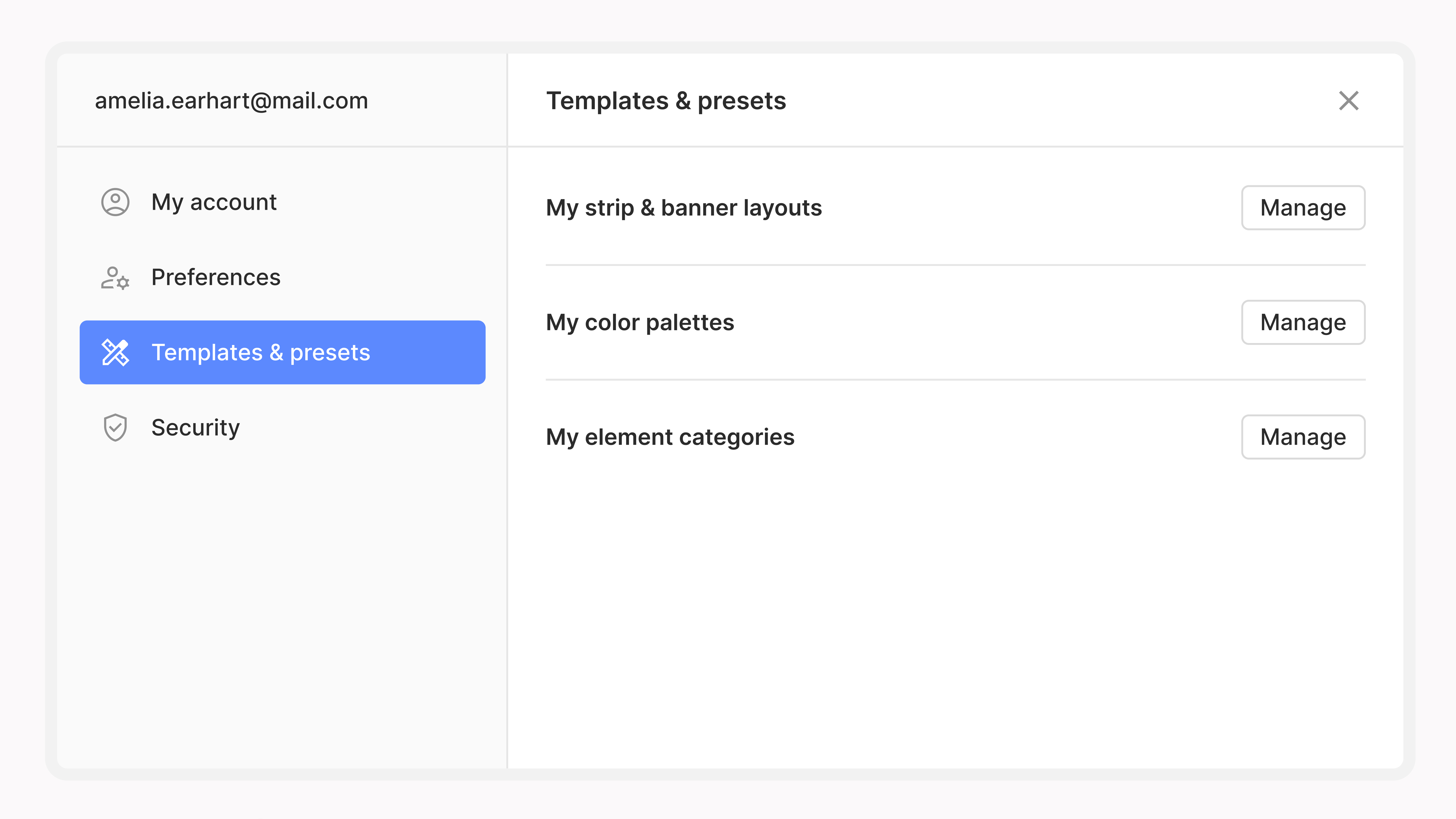
If you use the same color palette on every show, or you've built a layout you want to bring to every production, this is where it lives now.
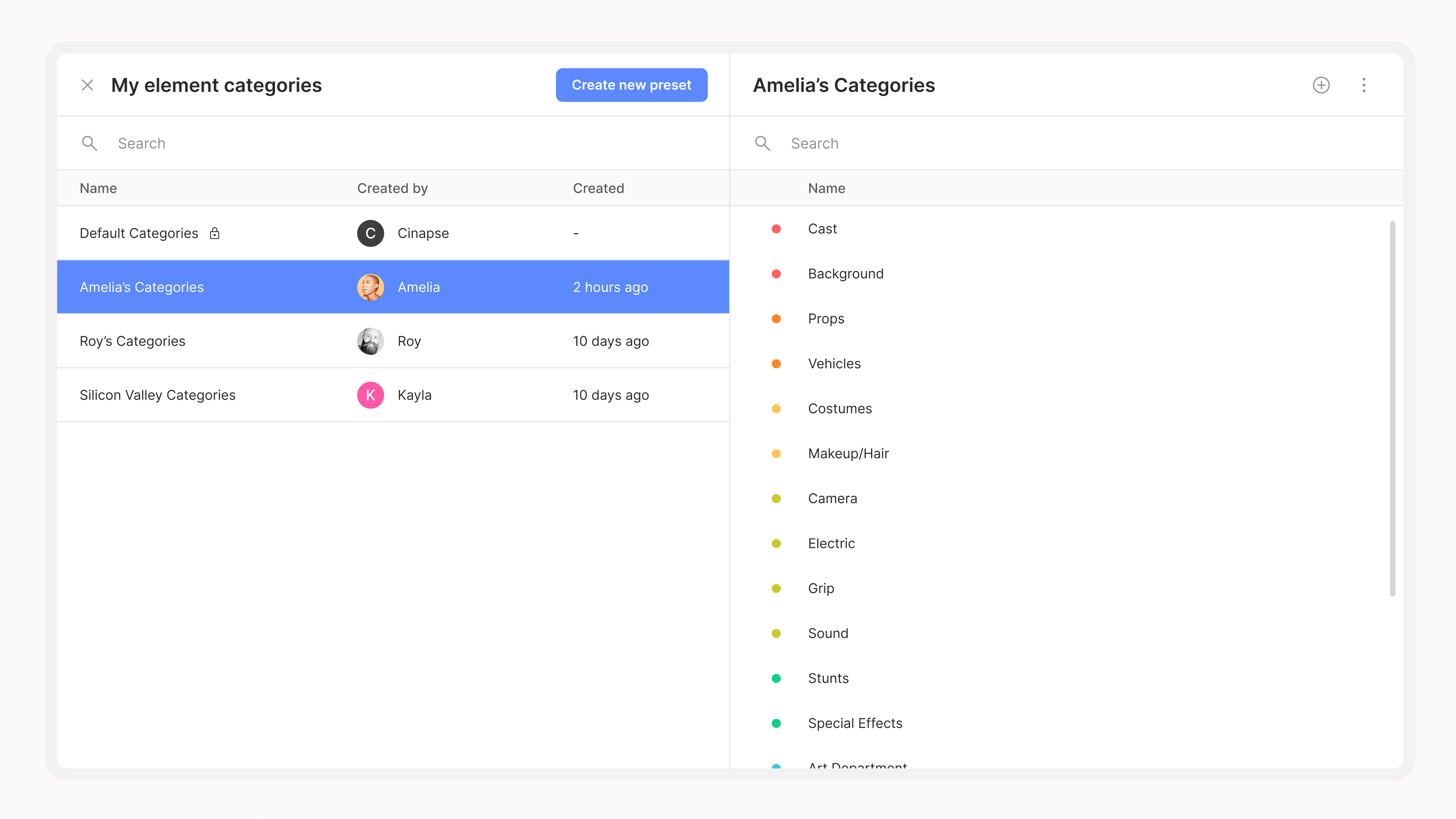
Build your category setup once and keep it.
Save your colors, capitalization settings, cast properties, and category order to your account from the Category Manager. On your next production, import everything and get started right away. Your workflow is ready from day one.
For ADs who jump between productions, this is one of those things that quietly saves a lot of time.
Sign in with Apple & Google. Both are now supported as login methods alongside email.
Account merging. Signed up at different times with different auth methods? Merge your accounts into one.
Episode elements. Episodes are now first-class elements with their own metadata: script version, shoot dates, Director, 1st AD, and more. Not just text labels.
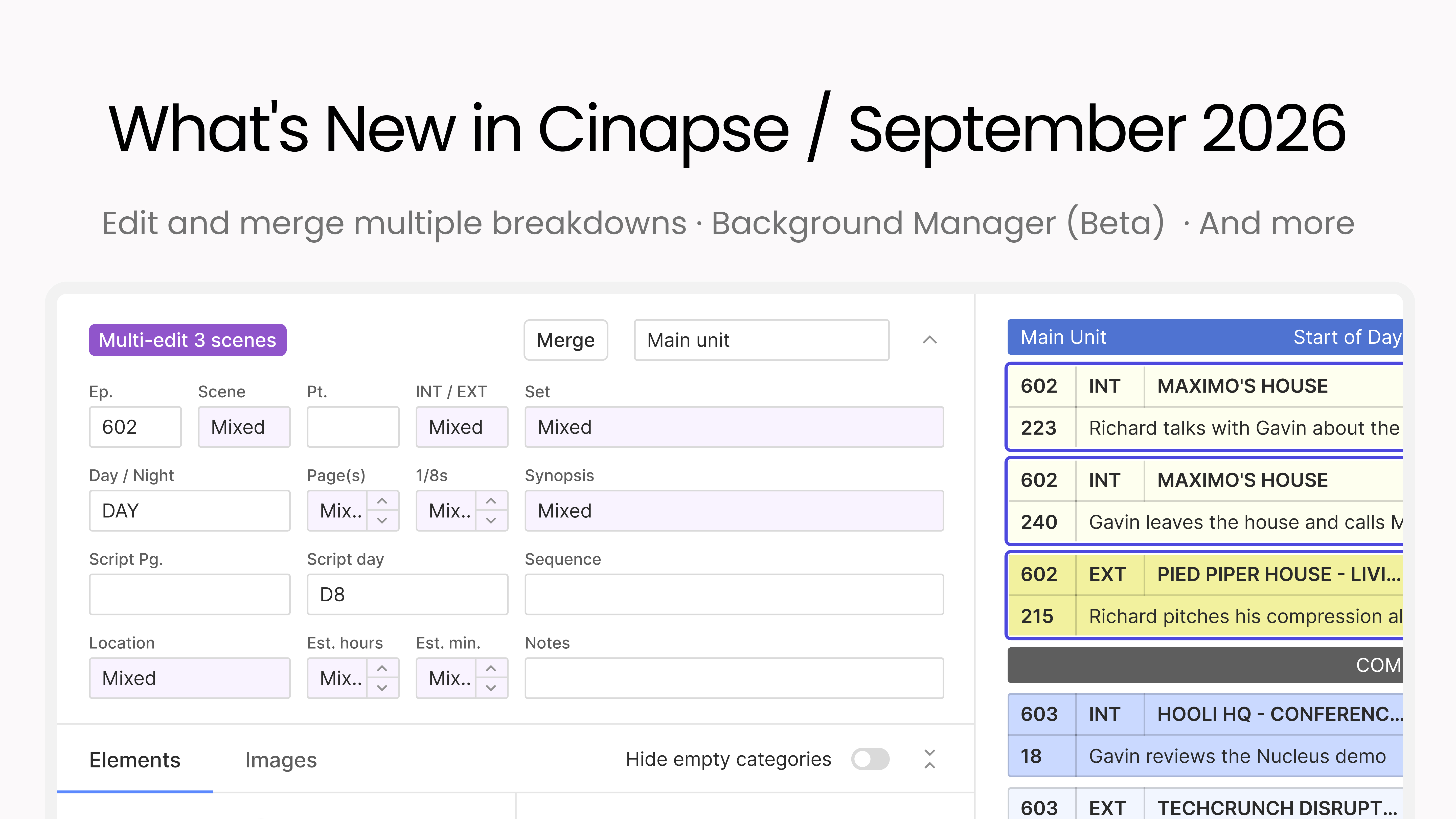
Bulk re-categorize. Select multiple elements and change their category in one shot. Works in the Element Manager and directly on any breakdown sheet, across different categories.
Element text case formatting. Control how each element name displays. Set Title Case, Sentence case, UPPERCASE, or lowercase per element in the Element Manager.
Unit Break hotkey. Cmd+Shift+U adds a unit break from the keyboard.
Start of Day & Unit Break in right-click menu. Insert banners directly from the stripboard context menu.
Bug fixes & stability. List report pagination and column layout, right-click context menu dismiss, automatic cursor placement in synopsis field, SQLite disk I/O recovery.
Log in and take a look. As always, if you run into anything or have feedback, reach us at support@cinapse.io or submit feedback at feedback.cinapse.io.